
Deepfake technology is no longer a futuristic concern – it’s here, evolving rapidly and being weaponized in ways that threaten businesses, individuals, and even governments. Businesses of all sizes are at risk, with deepfakes being used for fraud, reputation damage, and misinformation campaigns. In this post, we outline practical strategies to protect your business from this threat.
Deepfake technology and its impact
Deepfake technology uses artificial intelligence (AI) to create highly realistic fake images, videos, or audio recordings. These technologies can replicate the likeness of individuals to make someone appear to say or do things they never did. While originally developed for entertainment and creative purposes, cybercriminals have begun exploiting deepfakes for malicious activities, such as:
Business email compromise (BEC) scams
A growing tactic involves AI-generated phone calls where fraudsters mimic an executive’s voice to convince Accounting to update bank routing details for an upcoming payment, redirecting funds to accounts they control. In 2019, a UK-based energy firm’s CEO was scammed over the phone when he was ordered to transfer $243,000 into a Hungarian bank account by an individual who reportedly used audio deepfake technology to impersonate the voice of the firm’s parent company’s chief executive.
Reputation damage
Deepfake videos can falsely show executives or employees in unethical or illegal situations, causing serious harm to trust and credibility. The consequences ripple quickly—damaged reputations, lost customers, and even legal fallout. For instance, deepfakes of public figures like Michael Mosley have been used to promote health scams, misleading audiences and eroding trust.
Disinformation
Deepfakes are also fueling the spread of false narratives about businesses, products, or deals. Imagine a fabricated video claiming a product recall or a canceled merger—it could trigger investor panic, tank stock prices, and cause lasting damage. Scenarios like this are already emerging, as outlined in a report by the Carnegie Endowment.
3 Signs your business might be a target
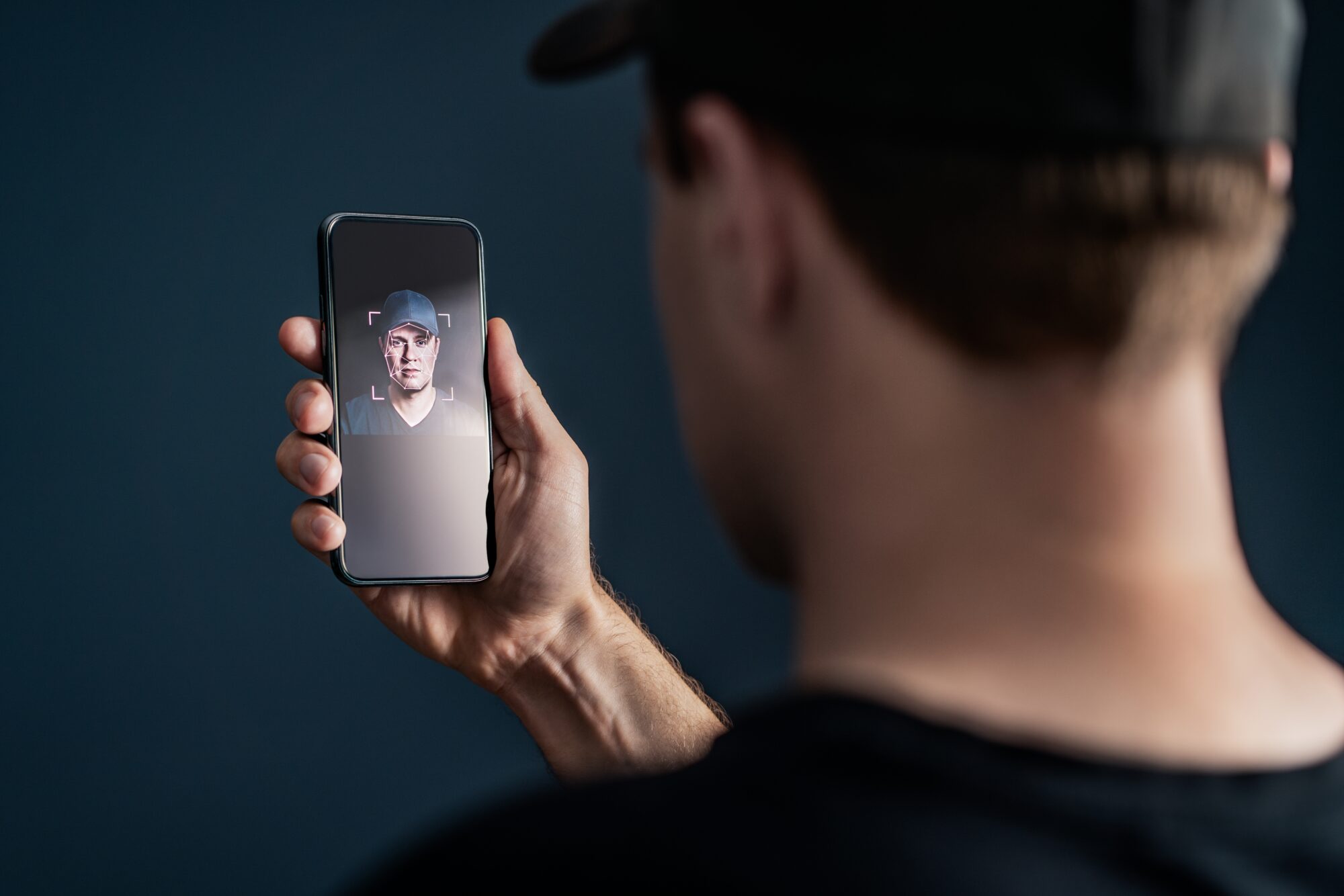
Recognizing early warning signs can mitigate the damage caused by deepfake-based attacks. Common indicators include:
1. Unusual requests
Sudden, high-pressure demands for wire transfers, sensitive data, or changes to payment details should raise red flags, especially if they seem out of character for the sender. Deepfake scams often target employees with requests that appear to come from trusted sources, such as a company executive. For instance, a fake phone call mimicking a CEO might direct Accounting to change the bank details for a large payment. These scams rely on urgency to bypass verification processes, making vigilance critical.
2. Audio or video inconsistencies
Deepfake technology is advanced, but small flaws can reveal manipulations. Watch for lip movements that don’t sync with speech, unnatural voice tones, or mismatched timing between visuals and audio. These inconsistencies can appear in fake video announcements or phone calls, where the voice or visual doesn’t quite feel authentic. Educating your team to notice these subtle clues can help identify potential threats.
3. Digital anomalies in media
Even the most sophisticated deepfakes can exhibit technical flaws, such as blurred edges, inconsistent lighting, or unnatural facial expressions. For example, a deepfake video of an executive might have slight discrepancies in lighting across their face or odd eye movements. These subtle cues are often overlooked but can signal manipulation. Training employees to spot these anomalies can help you stay one step ahead.
5 practical steps to protect your business
For a small or mid-sized business, deepfake defense is mostly process, not software. Detection tools exist, but none are reliable enough to be the only thing between your accounting team and a fraudulent wire. We compare the enterprise platforms in a separate post on AI deepfake detection and protection. These five steps matter more.
1. Write down a verification rule for money and access
A voice, a face on a call, or an email is not proof of identity. Any request to send money, change payment details, reset credentials, or share sensitive data gets confirmed through a second, pre-agreed channel first. Simplest version: hang up and call back on the number in your internal directory. Put the rule in writing, and make clear that following it never gets anyone in trouble.
2. Train employees to spot the setup, not just the fake
Most people won’t catch a good deepfake by looking at it. They will catch the pattern around it: urgency, secrecy, an odd payment instruction, pressure to skip approval. That’s what security awareness training should drill, including a scenario where a “CEO” calls Accounting with a rushed request.
3. Protect video calls with a code word
Zoom, Teams, and Google Meet had no reliable built-in deepfake detection as of 2026. In one case, a finance employee at a Hong Kong-based multinational authorized $25 million in transfers after a video call in which every other participant was AI-generated. For any meeting involving money or access, agree on a verbal code word in advance, then apply step 1 anyway. Zoom’s new biometric “Verified Human” badges show the platforms take this seriously, but the burden is still on you.
4. Treat phone calls as the highest-risk channel
Voice cloning needs a few seconds of audio, and your executives have hours of it online. An attacker calls your finance lead, sounds exactly like the CFO, and asks for an urgent transfer. The 2019 UK energy-firm scam above was an early example; it’s routine now. Same callback rule applies, plus a shared passphrase with senior leaders for unscheduled, high-stakes calls.
5. Have a response plan before you need one
Decide now who gets called if a deepfake of your CEO surfaces, who drafts the statement, who contacts the bank if a transfer already went out, and when you bring in outside security help. Fifteen minutes of planning beats improvising mid-incident.
5. Enterprise Deepfake Detection Tools (2026)
The blog previously recommended Microsoft Video Authenticator — that tool is no longer available for general enterprise use. Here are the current options:
Reality Defender — enterprise-grade platform that scans audio, video, and images across channels in real time. Detects synthetic media before it reaches employees or customers. Best fit for organizations that need continuous monitoring across communications.
Resemble AI Detect 2B — joins video calls automatically as a silent bot. Uses multi-modal detection (audio + video) to flag deepfakes in real time during Zoom, Teams, Google Meet, and Webex. Sends instant alerts via email, Slack, or SMS with forensic reports.
Intel FakeCatcher — detects deepfakes by analyzing biological signals (blood flow patterns in video pixels) rather than visual artifacts. Particularly effective against high-quality face swaps that fool frame-by-frame tools.
Sensity AI — forensic-grade detection for video, image, and audio. Also integrates directly with Microsoft Teams via a meeting app that flags synthetic participants in real time.
Deepware Scanner — free tool for quick video analysis. Not forensic-grade, but useful for initial screening of suspicious content before escalating to IT.
Note: No detection tool is 100% accurate. Treat these as decision support, not definitive answers — and always combine with verification protocols.
6. Protecting Video Calls from Deepfake Impersonation
Zoom, Microsoft Teams, and Google Meet have no robust built-in deepfake detection as of 2026. The burden of protection falls entirely on your organization.
Deepfake video call fraud losses exceeded $200 million in Q1 2025 alone, with the average corporate incident costing over $500,000. The most high-profile case: engineering firm Arup lost $25 million after an employee authorized wire transfers during a video call where every participant — except the victim — was an AI-generated deepfake.
How to protect video calls:
1. Establish a pre-call code word system. For sensitive meetings involving financial decisions, require a pre-agreed verbal code word at the start of the call. This simple step stops real-time deepfake impersonation cold.
2. Never authorize financial transactions over video alone. Any wire transfer, payment redirect, or account change requested on a call must be verified through a separate, pre-established channel — a direct callback to a known number or a Teams/Slack message from a verified account.
3. Deploy real-time detection tools. Tools like Resemble AI and Sensity AI can join meetings automatically and flag synthetic participants within seconds.
4. Watch for behavioral red flags. Urgency, requests for secrecy, unusual payment instructions, or pressure to bypass normal approval processes are signs of a deepfake social engineering attempt — regardless of how real the person looks or sounds.
In April 2026, Zoom partnered with World to introduce biometric “Verified Human” badges for meeting participants — a sign that the platform itself now treats deepfake fraud as a structural problem, not an edge case.
7. Deepfake Voice Fraud: A Separate and Growing Risk
Voice deepfakes don’t require a video call — and they’re increasingly used to bypass phone-based verification entirely.
How it works: Attackers clone an executive’s voice using as little as 3–10 seconds of publicly available audio (from earnings calls, LinkedIn videos, or conference recordings). They then call an employee directly, impersonating the CEO or CFO and requesting an urgent wire transfer, credential reset, or sensitive data.
The original 2019 UK energy CEO voice scam has since been dwarfed. In 2025, deepfake voice fraud against businesses became routine, with financially motivated groups targeting finance teams and call centers at scale.
How to defend against voice deepfakes:
- Callback verification — always hang up and call back using a number from your internal directory, not a number provided during the suspicious call
- Verbal passphrases — establish a shared passphrase with senior executives for use in unscheduled, high-stakes calls
- Voice authentication tools — Pindrop analyzes voice patterns in real time to flag synthetic audio during calls
- Zero-trust for finance requests — no financial action should be triggered by a phone or video call alone, regardless of who appears to be asking
The bottom line
Deepfake technology poses a serious and evolving threat to businesses, but it’s not unbeatable. By implementing layered defenses, training employees, and staying vigilant, you can significantly reduce your risk. Deepfakes may be sophisticated, but a combination of common sense and the right tools can outsmart even the most advanced cybercriminals. Stay prepared, and remember: when it comes to cybersecurity, prevention is always better than reaction. For expert advice or to learn how we can help protect your business from cyber threats, contact us.
FAQ: Deepfake Technology and Business Security
How are deepfakes actually being used to target businesses?
Primarily through fraud and impersonation. Attackers use AI-generated audio or video to mimic executives, vendors, or partners to authorize payments, change banking details, or spread false information.
Are deepfake attacks only a risk for large enterprises or public figures?
No. Small and mid-sized businesses are often easier targets because they rely on informal verification processes and trust-based workflows, especially around finance and executive requests.
What are the most common warning signs of a deepfake-based attack?
Urgent or unusual requests, pressure to bypass normal approval processes, and subtle audio or video inconsistencies such as unnatural speech patterns, timing issues, or visual artifacts.
What is the most effective way to reduce deepfake risk today?
Enforcing secondary verification for sensitive actions, training employees to slow down and verify requests, and having a clear response plan for suspected impersonation or misinformation incidents.
Can technology alone prevent deepfake scams?
No. Detection tools help, but prevention depends on layered controls — verification procedures, employee awareness, and clear escalation paths. Human verification is still critical.