What are the most common scams people fall for today—and how can you recognize and stop them before damage is done?
Even experienced users fall for scams because today’s tactics are designed to look routine, not suspicious. This guide breaks down the most common online and phone scams small business teams run into—and what to do in the moment to shut them down, without getting into advanced fraud schemes or enterprise-level attacks.
1. Tech Support or Virus Warning Pop-Ups
These are fake alerts that show up while browsing. They claim your machine is infected, locked, or being hacked, urging you to call a toll-free number for immediate help.
Often, the scammer will pose as Microsoft or Apple support. If you call, they’ll request remote access, then either lock your system or install malware to create the illusion of infection — then charge you to “fix” it.
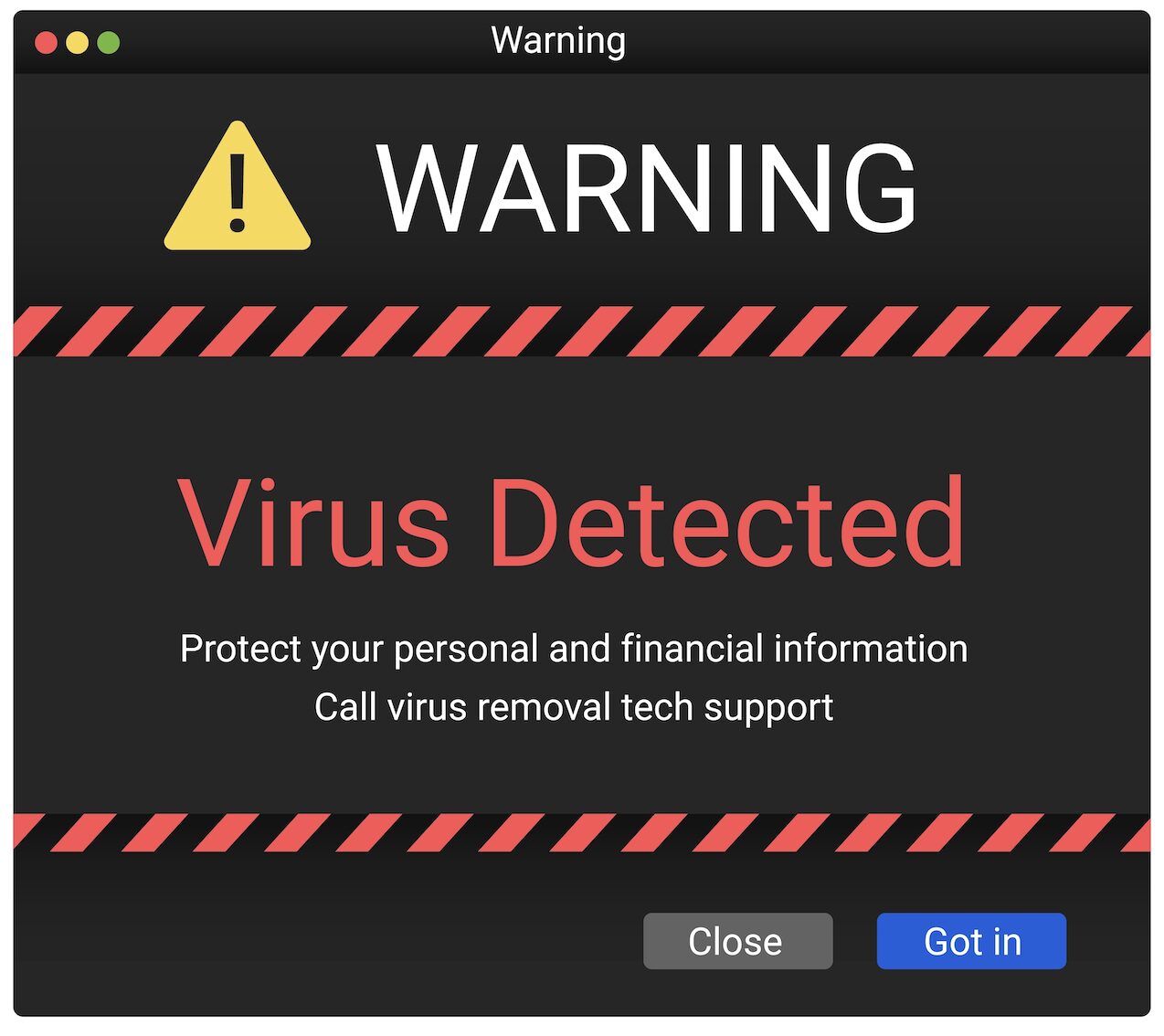
Warning Signs:
- Unsolicited pop-ups or full-screen alerts
- Phrases like “Your system is infected” or “Call this number immediately”
- The use of branding to imitate known companies
- Requests for remote access
Best Action to Take:
Force-close the browser (right-click from the taskbar or use Alt+F4). Do not click anything inside the window. Run a scan using trusted antivirus/EDR tools already installed on your system. If you gave access or downloaded anything, immediately isolate the device and notify your IT/security team.
2. Bank or Account Suspension Alerts
This one relies on fear of financial lockout. You’ll receive a text or email saying your account has been suspended or compromised, and you need to log in via a link to reactivate it.
These messages often spoof real institutions, complete with logos and footers. The links lead to credential-harvesting sites that mimic your bank’s login page.
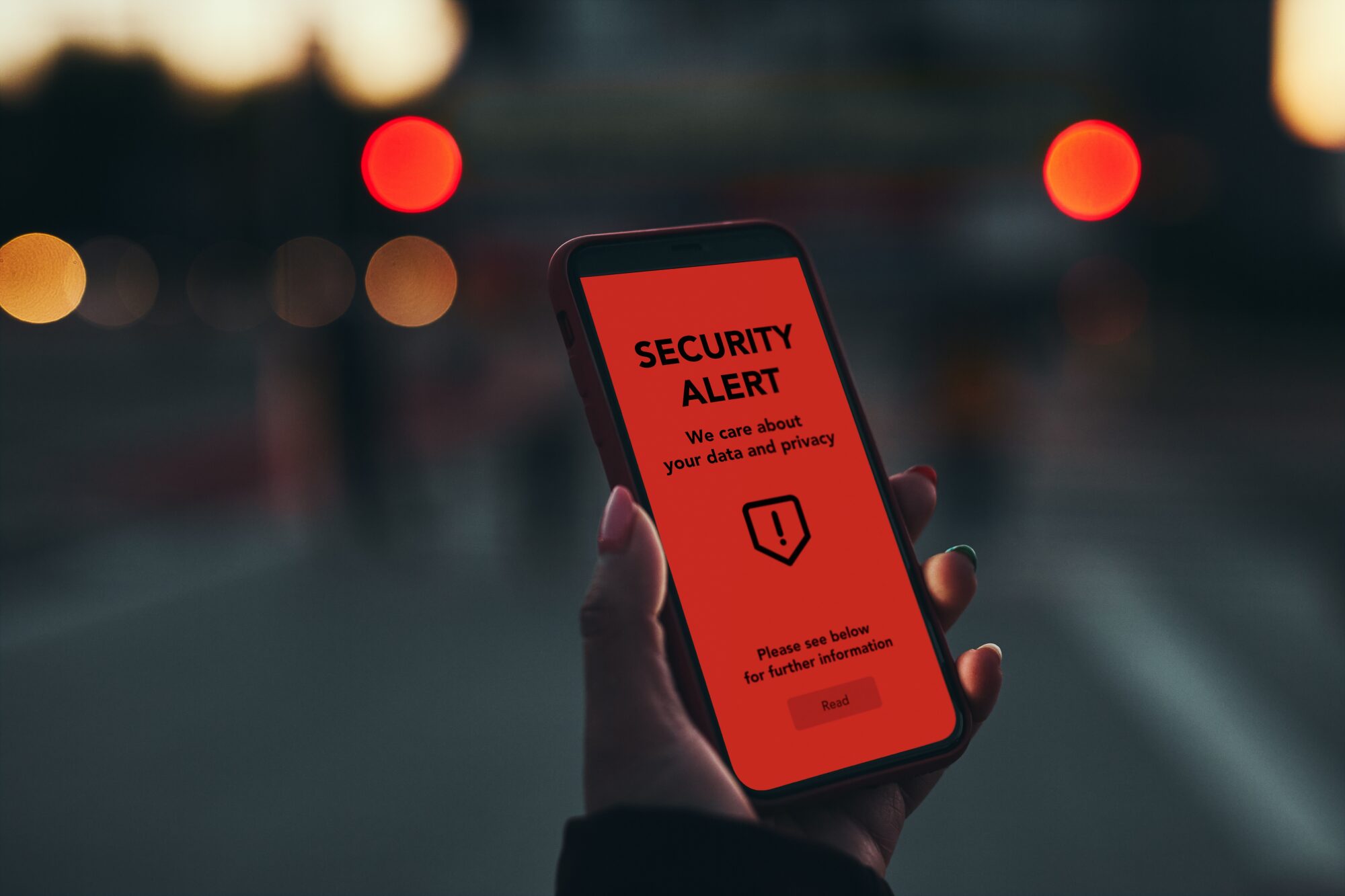
Warning Signs:
- “Unusual activity” alerts with typos or inconsistent branding
- Pressure to act immediately
- Links that look similar to official URLs but with minor deviations
- Sender addresses that don’t match the real domain
Best Action to Take:
Don’t click. Open a new browser tab and go directly to your bank’s website or mobile app. If needed, call the bank using the number printed on the back of your card. If credentials were entered, assume account compromise — change passwords and enable MFA immediately.
3. Delivery or Package Scams
You’ll receive a message — usually via SMS or email — saying a package is delayed, undeliverable, or waiting for a customs fee. The link takes you to a phishing site, often asking for personal or payment information.
These scams spike around holidays or during heavy online shopping periods.
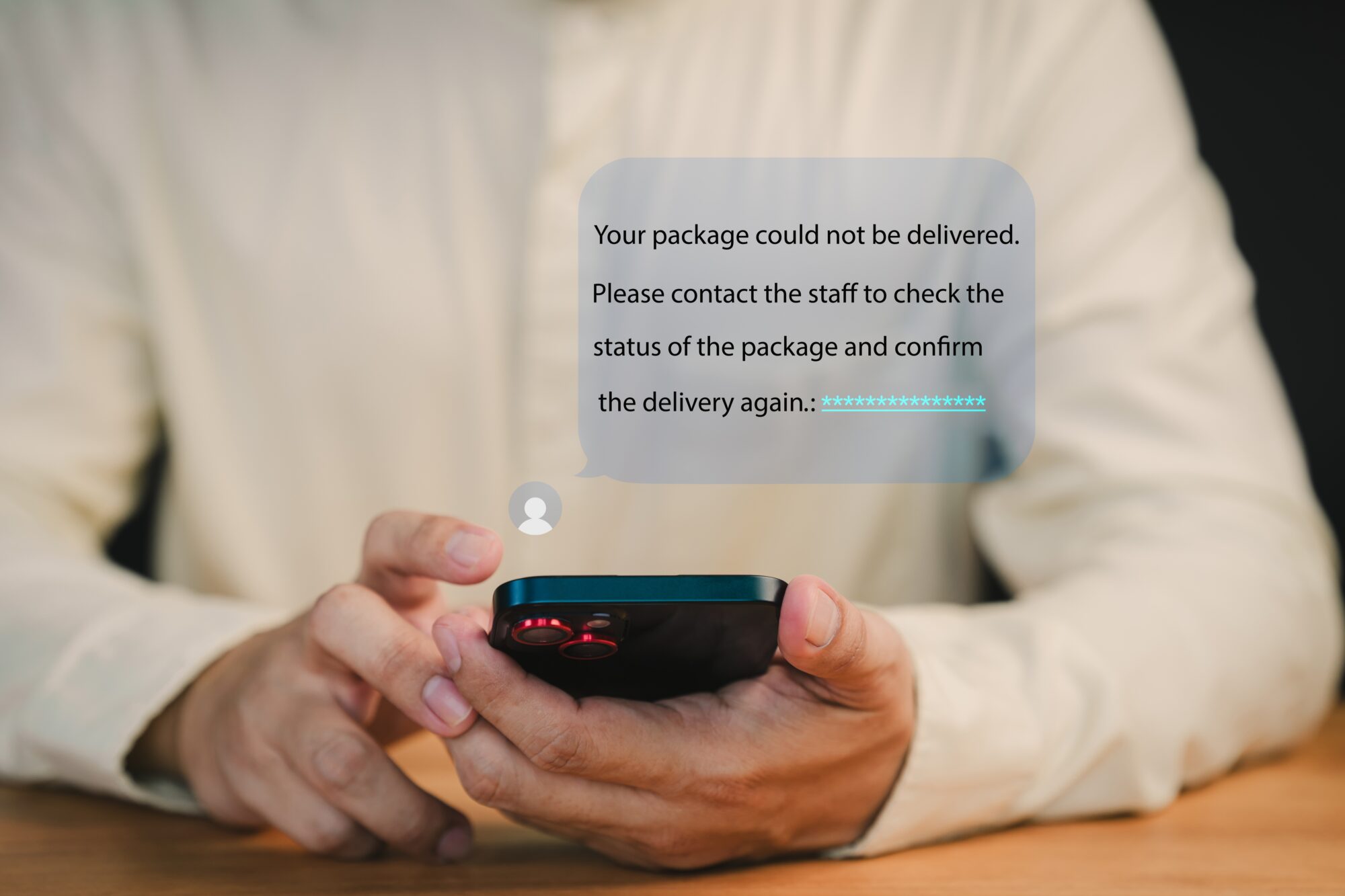
Warning Signs:
- Vague tracking info or no reference number
- Grammatical errors or odd phrasing
- Generic sender names (“Delivery Service” instead of DHL, FedEx, etc.)
- Requests for fees or confirmation via sketchy links
Best Action to Take:
Cross-check the tracking number (if provided) on the delivery company’s official website. If the message doesn’t reference a real shipment, delete it. Do not enter payment details. If any data was entered, notify your card provider and monitor for fraud.
4. Accidental Money Transfer or Refund Scams
A message or call claims that someone accidentally sent you money (sometimes you’ll even see a deposit), and they want you to return it — often via wire transfer, Zelle, gift card, or crypto.
In reality, the money likely came from a stolen account or was transferred fraudulently. Once you “refund” them, the real owner reports the transaction and your account is debited. You’re left footing the bill.
Warning Signs:
- You receive money from someone you don’t know
- They pressure you to return it quickly
- Unconventional repayment methods (Venmo, crypto, prepaid cards)
- Emotional stories or urgency
Best Action to Take:
Do not send any money. Contact your bank immediately and report the suspicious activity. Let them investigate the source of the funds — any legitimate sender will go through the bank, not WhatsApp or Telegram.
5. Law Enforcement or Government Impersonation Scams
You get a call from someone claiming to be from the IRS, FBI, Social Security, or local police. They say you’re under investigation, owe money, or failed to appear in court — and you must pay now or face arrest.
These scams rely entirely on panic. They’re common, and they’re increasingly sophisticated with spoofed caller IDs, fake badge numbers, and even call transfers to fake supervisors.
Warning Signs:
- Threats of arrest, deportation, or license suspension
- Demands for payment via gift card or wire
- Refusal to provide a callback number or written documentation
- Urgency — “you must act now”
Best Action to Take:
Hang up. No legitimate agency will demand immediate payment over the phone. If in doubt, search the official website and call their main number. Never give out your SSN, bank info, or address to a cold caller.
Final Tip: Stay Skeptical
If something feels off, it probably is. Always verify through official channels — not the contact info sent in the message. Trust your instincts and slow down before reacting. Scammers rely on speed and emotion to bypass logic.
If your organization needs help training your team on scam awareness or wants to implement real security protections, GCS can help. Let’s keep your people (and data) secure.
Written by Kaleb (AJ) Arjes-Maddox
FAQ: Common Online and Phone Scams
Why do these scams look so convincing today?
Because scammers copy real brands, real workflows, and real language. They rely on urgency, fear, or surprise to push people into acting before verifying.
Are tech support pop-ups ever legitimate?
No. Legitimate companies like Microsoft or Apple do not display pop-up alerts asking you to call a phone number or grant remote access.
What should I do if I accidentally clicked a scam link or gave information?
Immediately disconnect from the network, change passwords, enable MFA, and notify your IT or security team. Acting fast can prevent further damage.
How can I tell if a bank or government message is a scam?
Be suspicious of urgency, threats, and requests for immediate action. Real banks and agencies do not demand payments, credentials, or personal details via unsolicited messages or calls.
What’s the best general rule to avoid scams?
Slow down and verify independently. Never use contact details or links provided in the message—go directly to the official website or trusted app instead.